 RonTweaks

RonDock
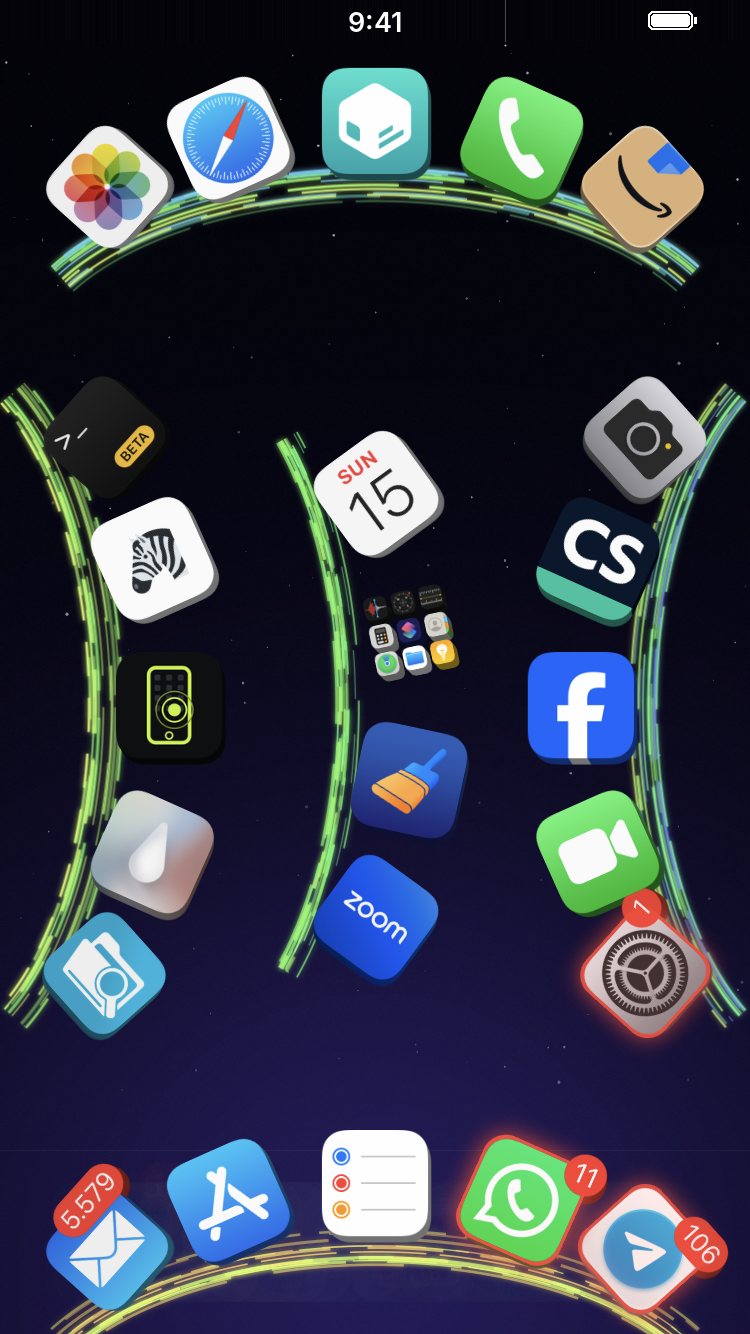
A rotating 3D carousel dock for your Home Screen.
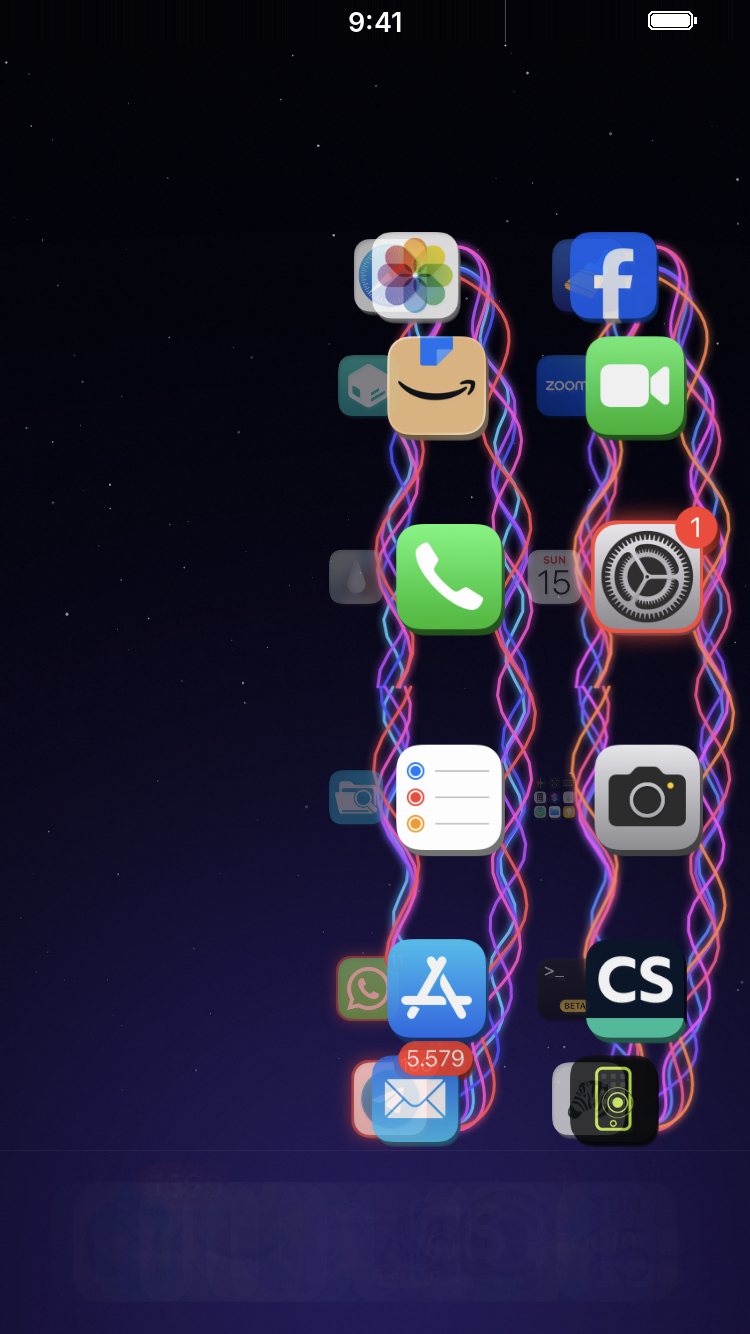
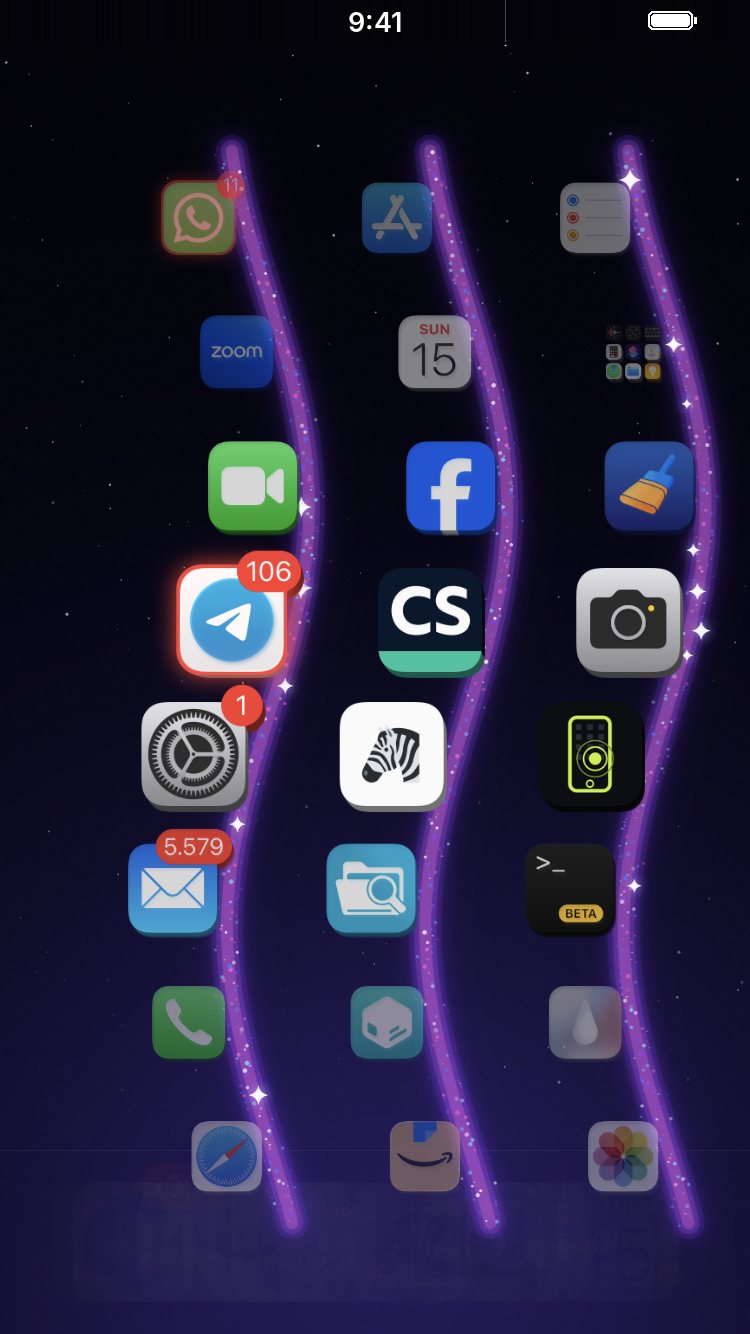
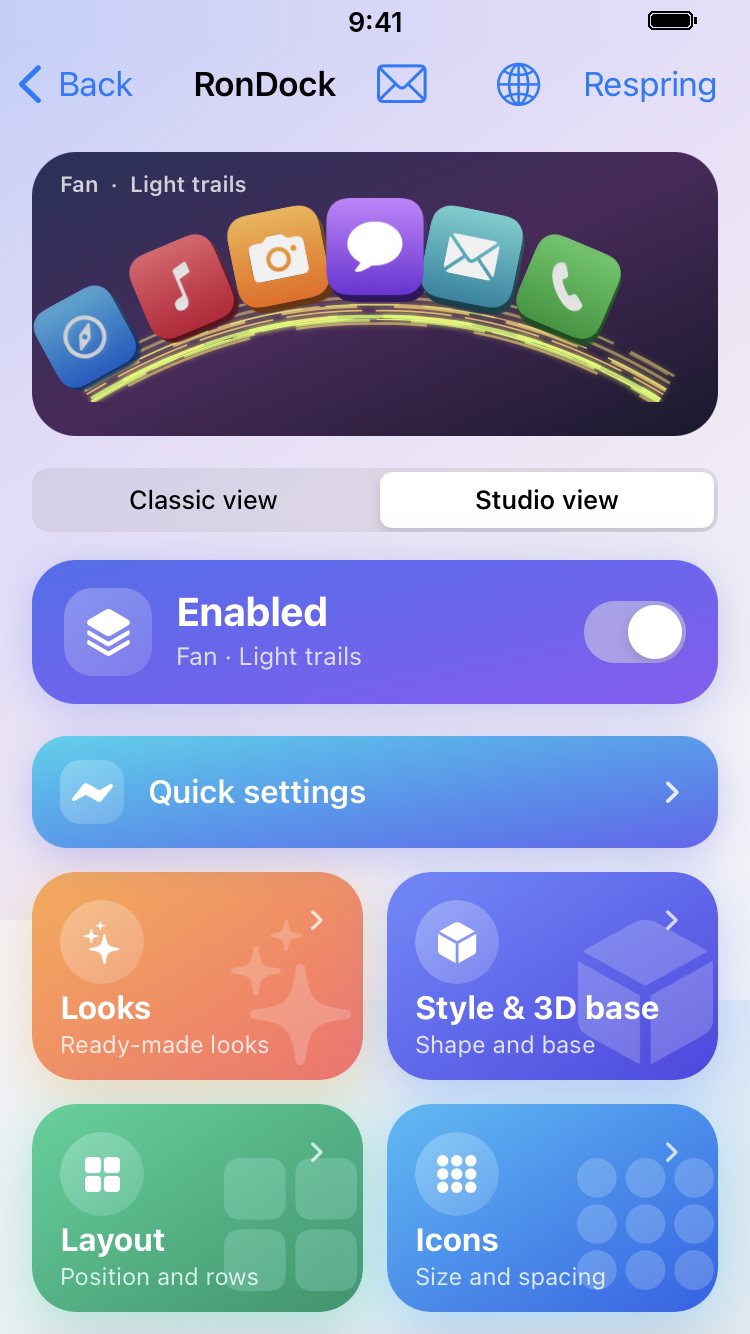
Your dock icons turn on a carousel that you spin with your finger, with 67 dock styles and 34 long 3D bases to choose from. A live preview in Settings shows every change at once.
com.rontweaks.rondock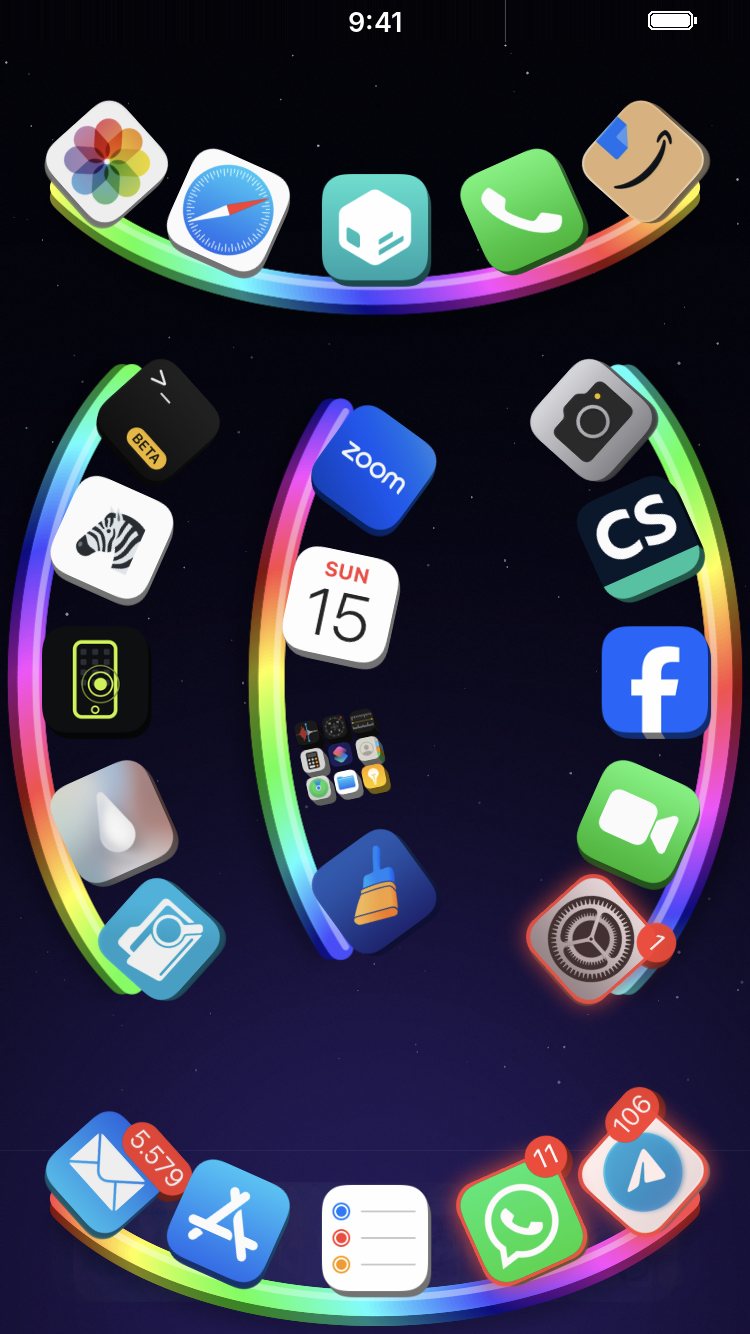
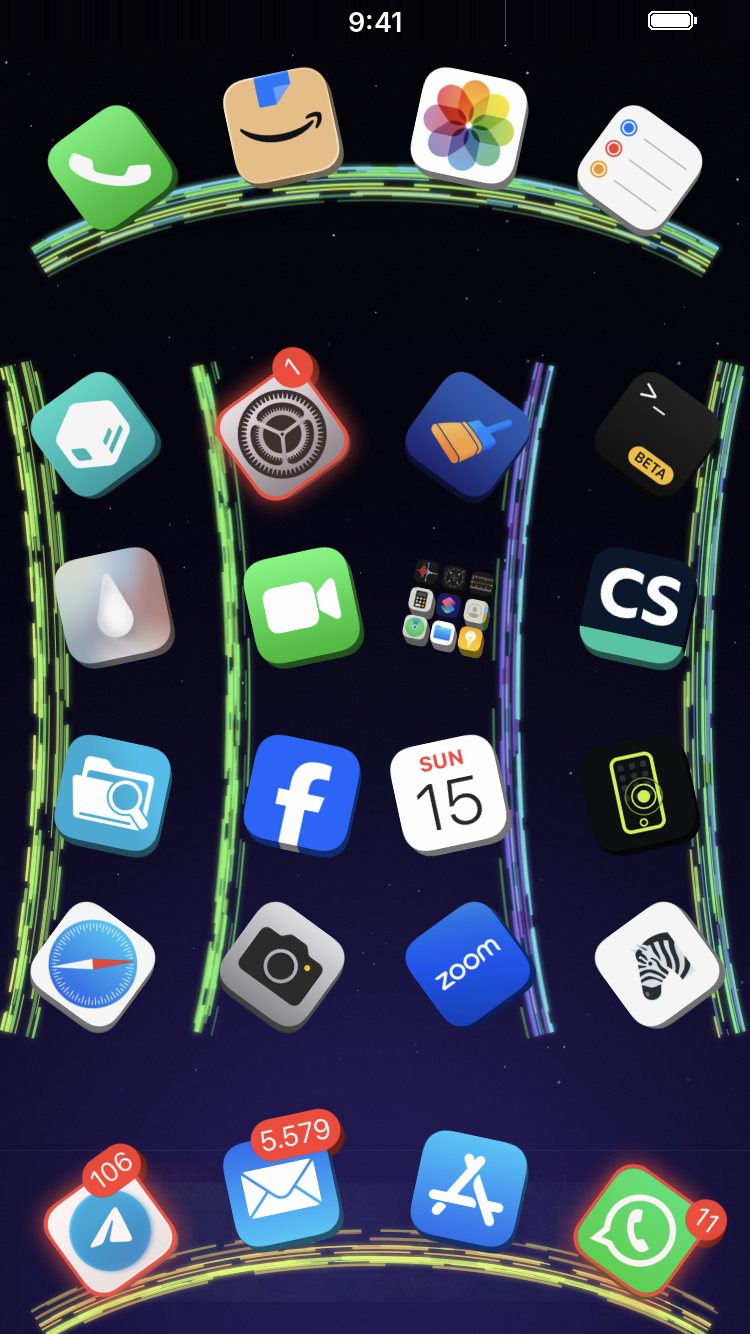
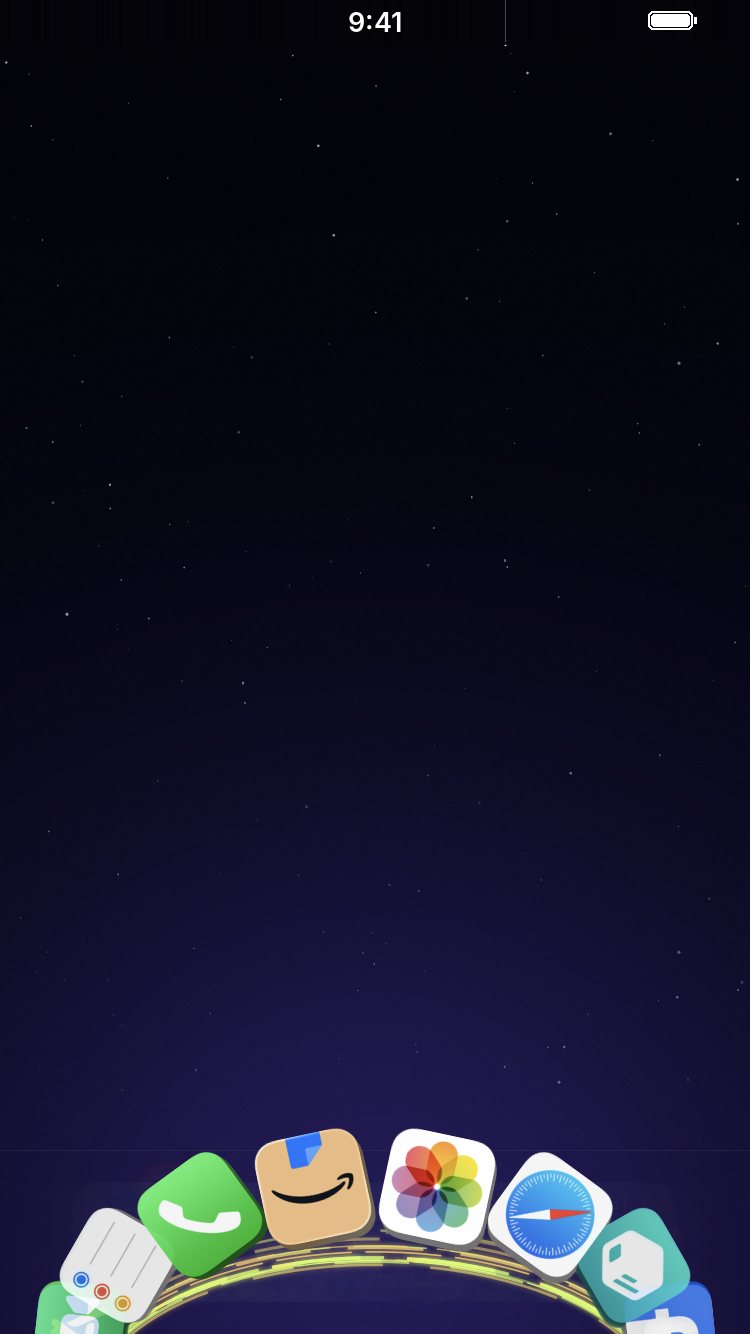
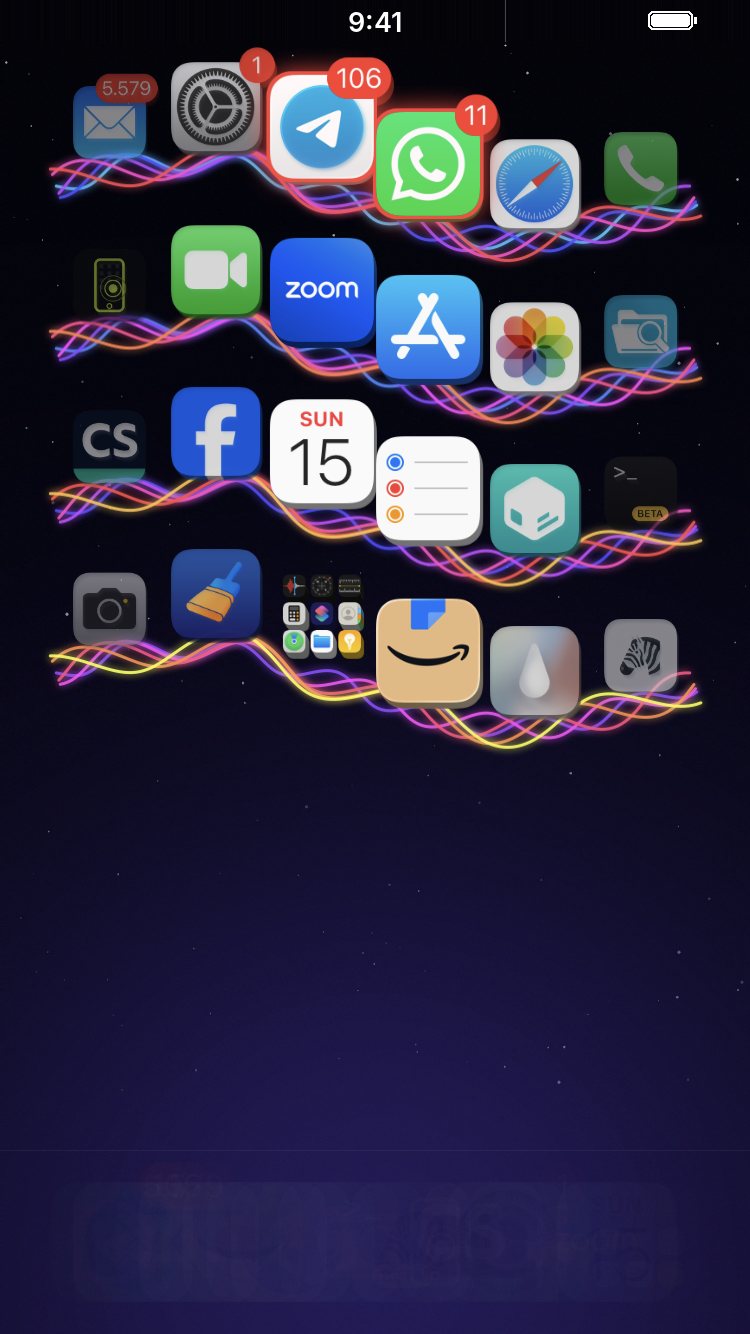
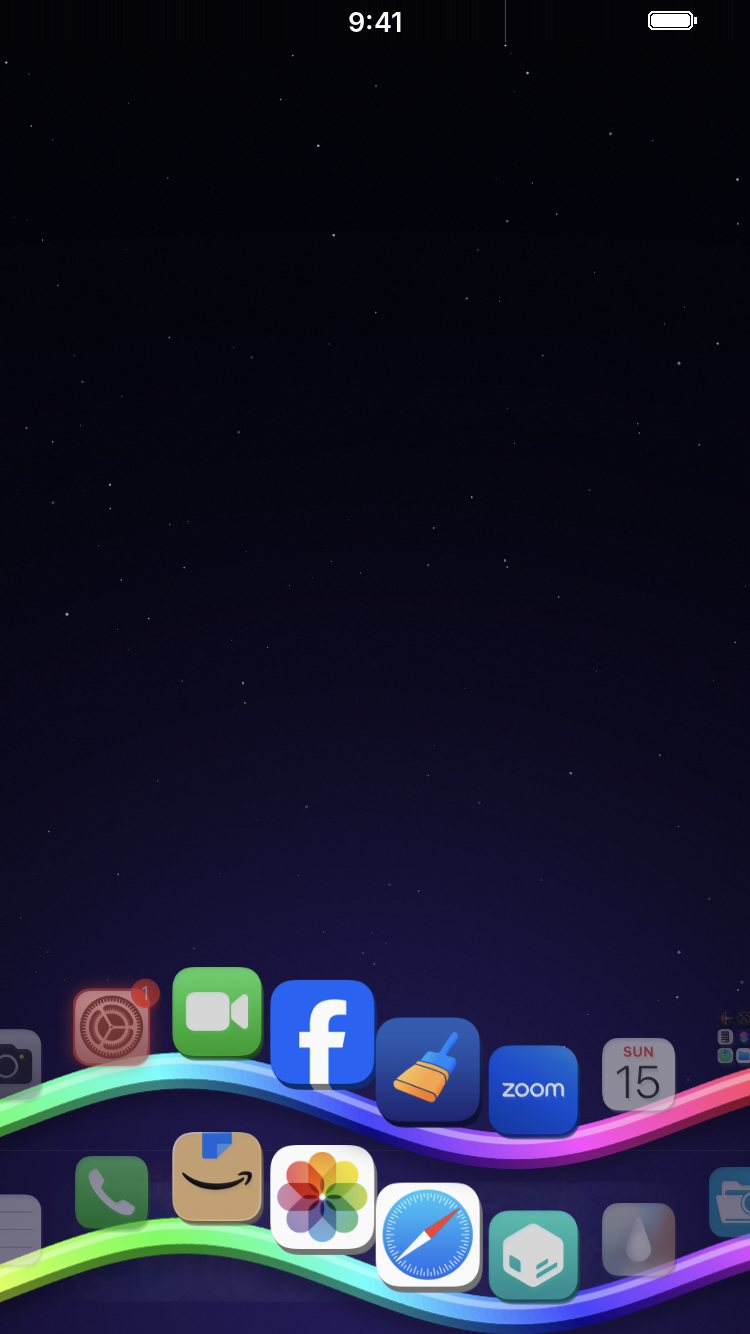
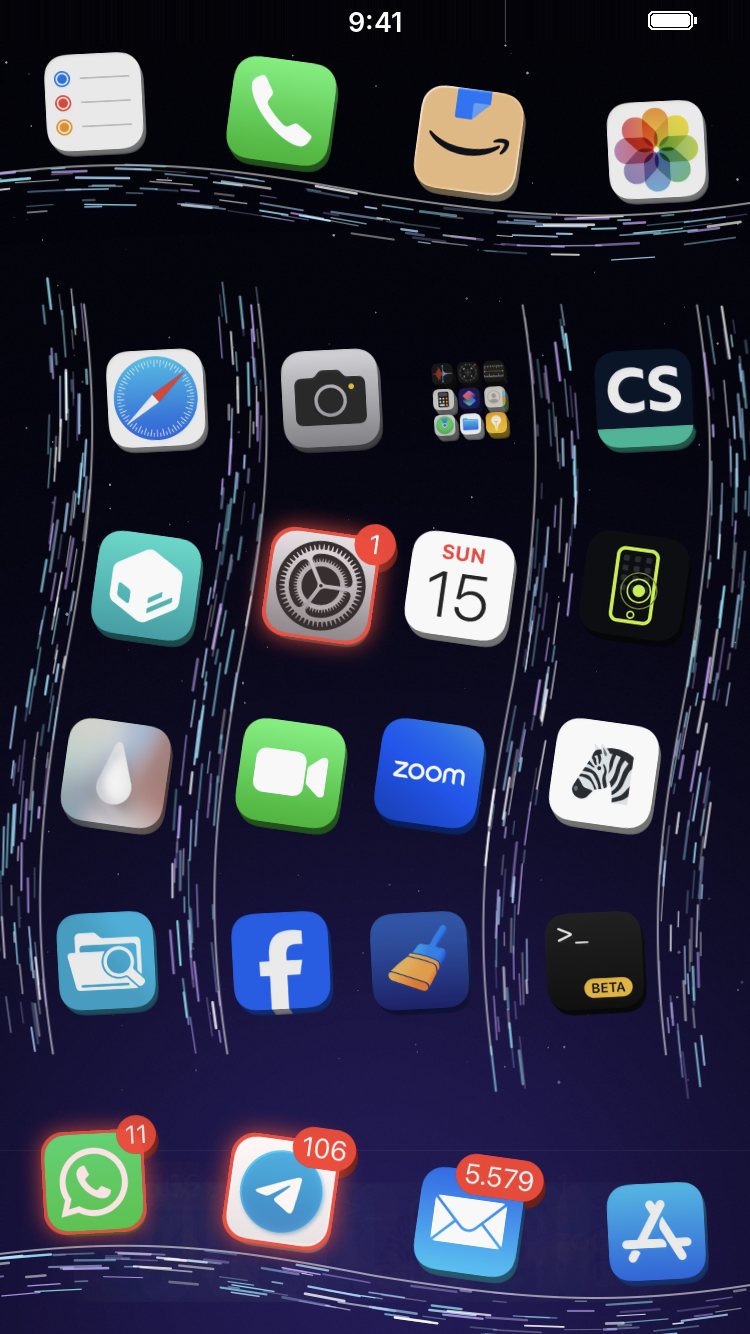
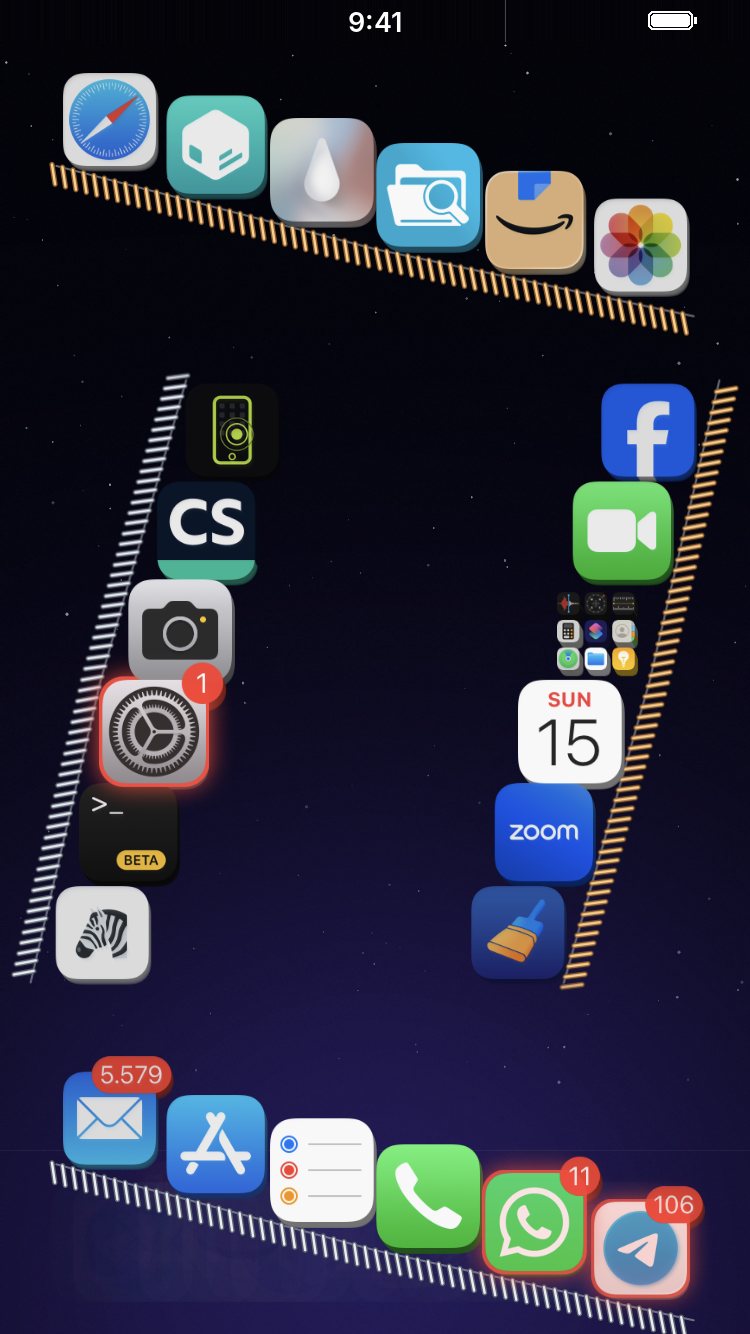
🎡 67 dock styles
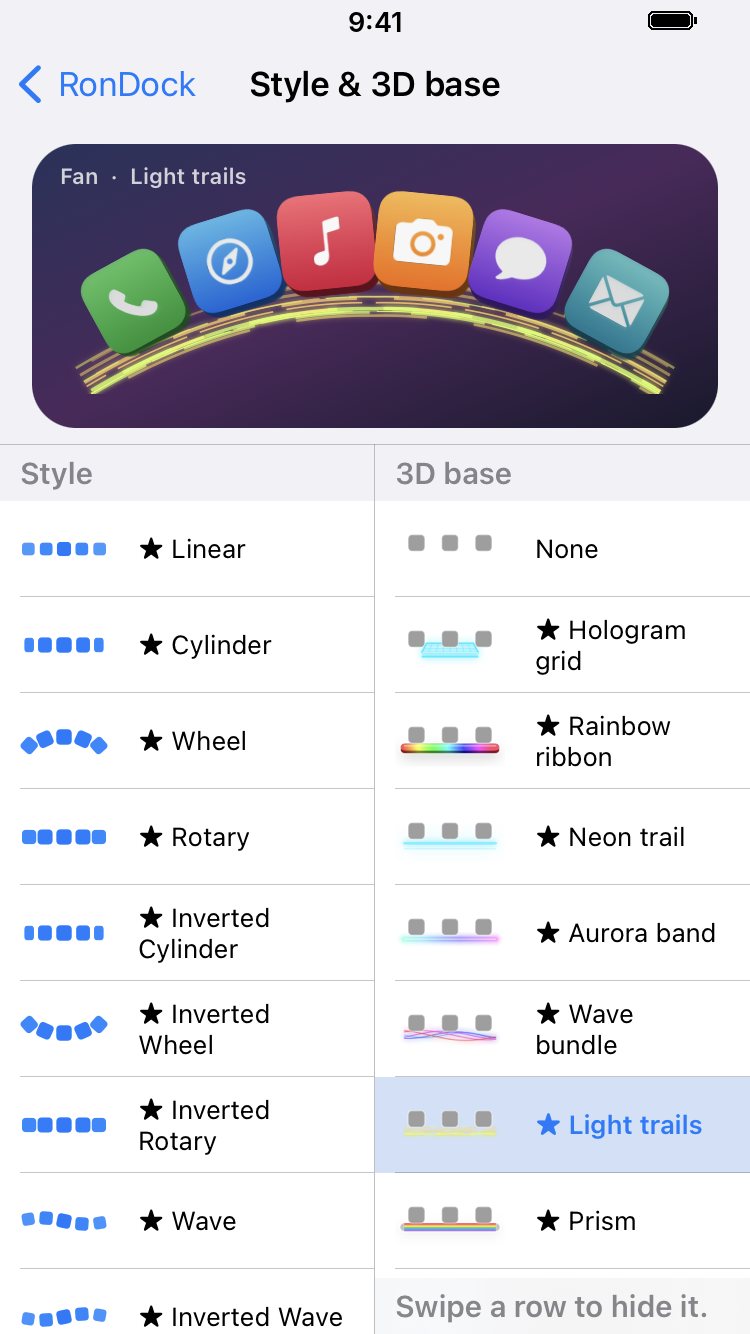
Wheel, cylinder, rotary, Time Machine, wave, zigzag, cover flow, fan, deck, helix, infinity, Ferris wheel, Möbius and many more — plus scenes with their own scenery (orrery, atom, portal, hologram, vinyl record, brass gear, water, zen garden) and effects (rift, shatter, dust, goo, Tesla coil, lens).
🏛️ 34 long 3D bases
Wooden shelves, glass, neon, light trails, synthwave grids, magma, rope bridges, floating islands and tracks that follow the icons — and real materials: walnut, marble, brushed metal, leather and concrete. A base can sit under the icons and, if you like, above them too.
✨ Looks
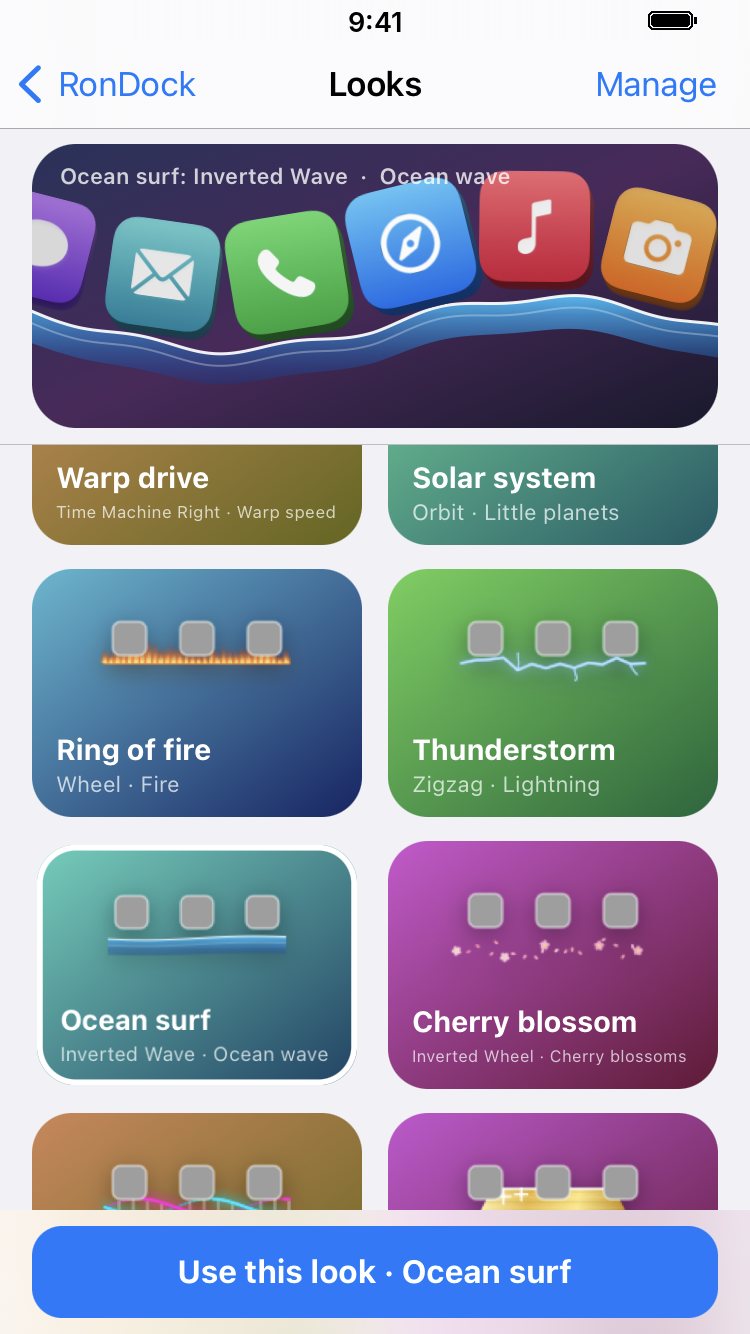
- Looks gallery: try ready-made looks, save your whole dock setup under a name, or share it as a text code (swipe a look to the right to preview it)
- Surprise me: one tap gives you a fresh random look, and the dock can pick a new look every time you unlock
- Day and night: switch looks automatically in Light / Dark mode, while charging, or at set hours
- Reflection: every icon mirrored on the floor beneath it
🧭 A dock that works for you
- Move the dock to the bottom, left, right or top edge
- Icon stacks: swipe across an icon to fan out the apps hidden inside it
- Recent apps right in the dock, marked with a glowing ribbon that follows your style
- Dock pages: switch between sets of apps with a three-finger swipe, or let RonDock change pages automatically
- Auto-hide: the dock fades away when you are not using it
🪄 Details
- Icons with real 3D thickness, a tilt effect that follows your phone, an optional info chip with time, date and battery
- Gestures: long-press, swipe down for another base, two-finger swipe to move the dock, three-finger swipe down for Spotlight
- Long-press an icon for its app menu (optional)
- Launch animation: tap an icon and watch it fly (optional), with haptic and sound feedback
- Notification bubbles, running-app glow and icon outfits
- Soft drag & drop of icons into the dock, plus a simple “Add / Remove an app” tool that works wherever the dock sits
- With Tessera: drag icons between the Home Screen and the dock, and even put a live widget into the dock
🛡️ Settings & safety
- Colourful Studio settings with a quick start screen and quick switches, or the classic list view if you prefer
- Safe by design: your settings are backed up automatically and restored after a re-jailbreak, and a crash guard switches RonDock off instead of leaving you stuck
- Available in 10 languages
📱 Compatibility
Rootless jailbreaks, iOS 15 to iOS 26. iPhone only.
💬 Support
Ideas, wishes and bug reports are very welcome: support@rontweaks.com
Activation
After checkout you receive a code like RNDK-XXXX-XXXX-XXXX-XXXX. Install RonDock from the repo, then open
Settings → RonDock → Enter activation code. One code activates one device; if you change phones, write to us and we will move it.
RonDock checks its licence about once a day and keeps working offline for up to 14 days.